Gather user credentials and perform requests on their behalf.
This guide shows how you can let your users authorize external APIs, from inside your app. Once authorized, you will retrieve, store, and refresh API key credentials so you can later perform API requests or use Nango’s syncing features.
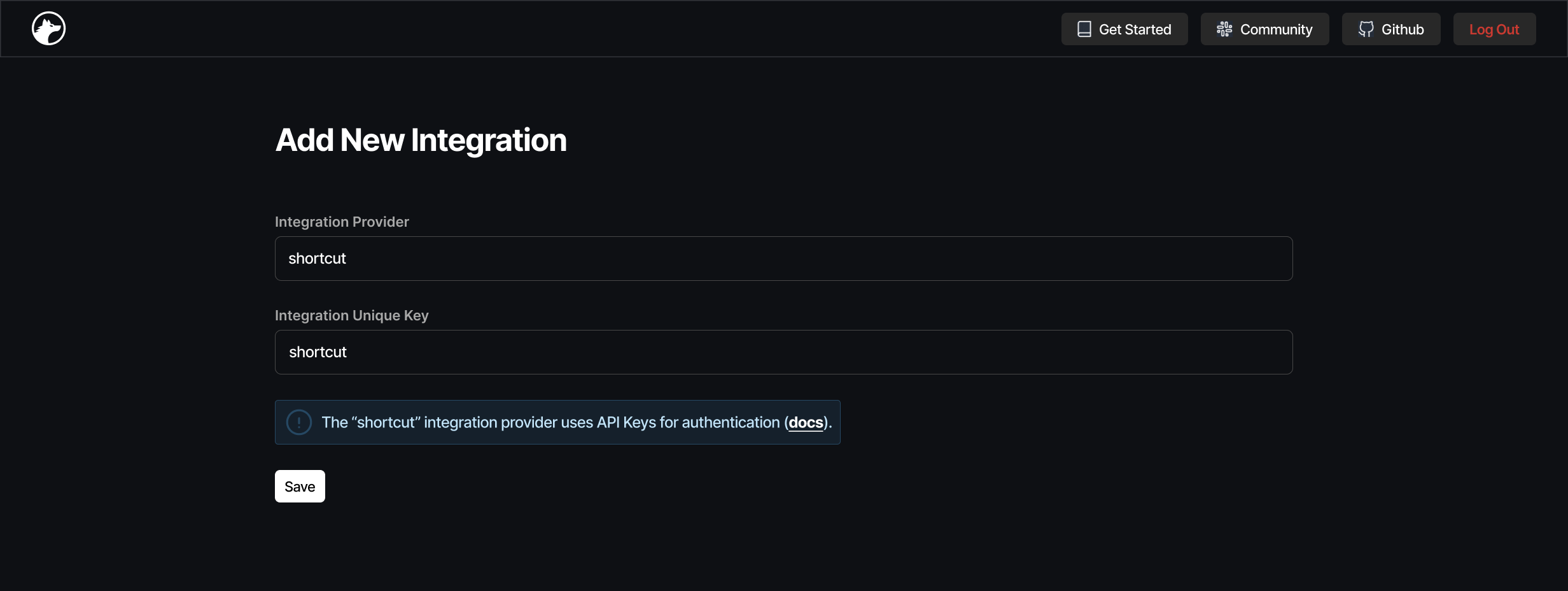
On the Dashboard, go to the New Integration page and select an external API.If the API uses API keys or Basic Auth for authentication, an info box will be displayed above the “save” button:
Install @nangohq/frontend and use the code snippet from the Add New Connection page (step 3 above) to collect user credentials from your frontend (cf. Frontend SDK docs).<CONNECTION-ID> identifies this user’s connection with the integration in Nango. We recommend using a user ID or similar for it.


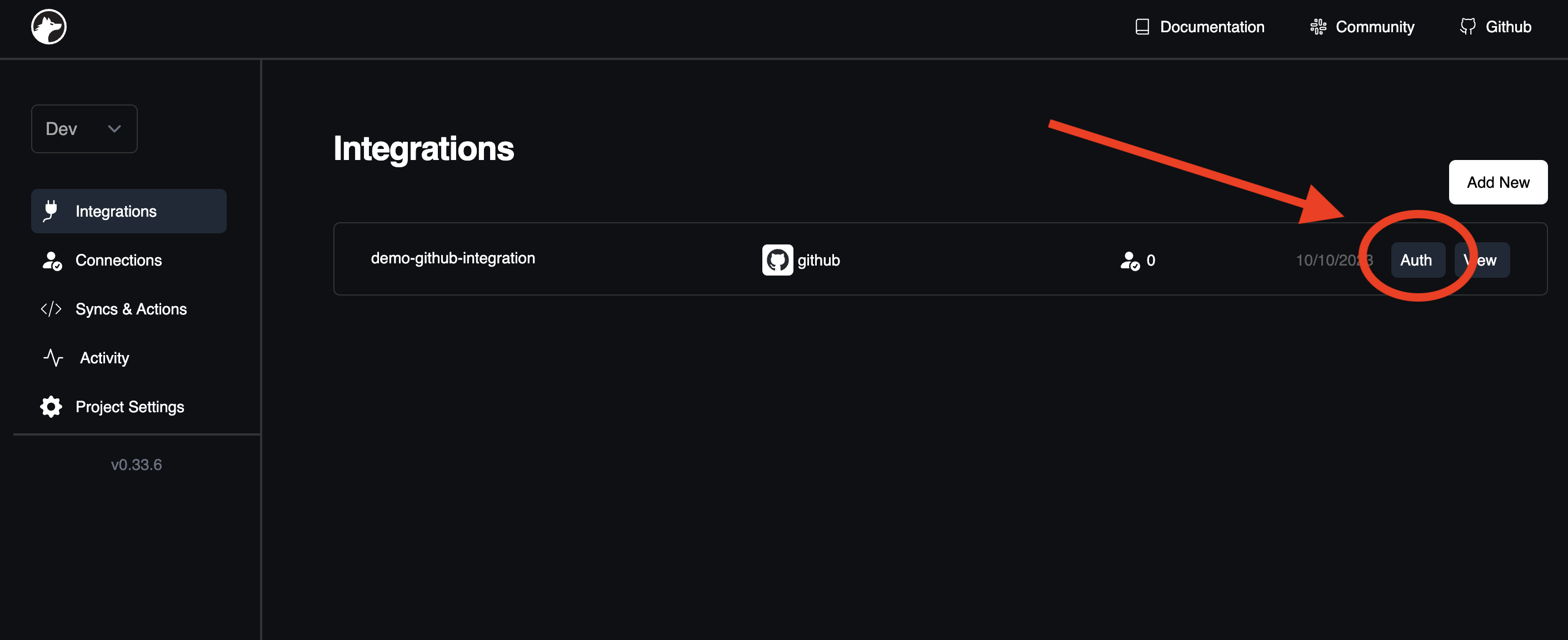
 Open the Dashboard in your browser.