> ## Documentation Index
> Fetch the complete documentation index at: https://nango-tiktok-accounts-update.mintlify.site/llms.txt
> Use this file to discover all available pages before exploring further.
# Environment variables
> Access sensitive variables in your sync and action scripts.
## When should you use script environment variables?
Script environment variables are useful when you need to access sensitive credentials in your *syncs* or *actions*, that is not specific to a specific *connection*.
For example, if you have a Discord integration with a bot token, it will need to be used every time you want to send a Discord message, no matter for which *connection*. In this case, you can create an environment variable for this token and access it from your Discord *syncs* and *actions*.
## How can I use script environment variables?
Navigate to your "Project Settings" in your [dashboard](https://app.nango.dev) and add/edit the 'Environment Variables' section.
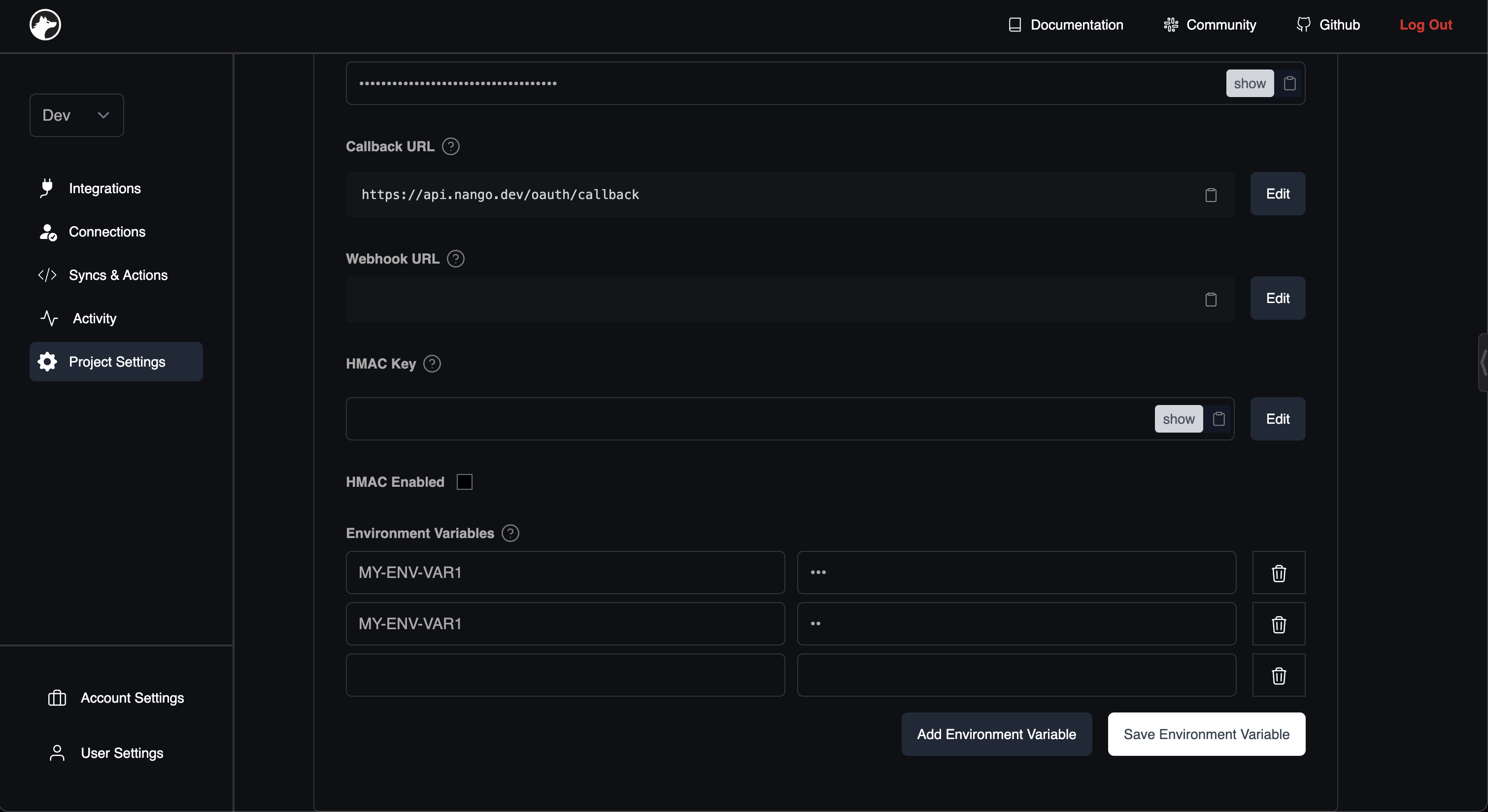 Once set, the environment variables will be accessible from your *sync* and *action* scripts by
using the [SDK](/sdks/node#get-environment-variables) or [REST API](/api-reference/sync/environment-variables).
Secrets are specific to your environment, so can have different secrets with the same name for your `dev` and `prod` environments.
Once set, the environment variables will be accessible from your *sync* and *action* scripts by
using the [SDK](/sdks/node#get-environment-variables) or [REST API](/api-reference/sync/environment-variables).
Secrets are specific to your environment, so can have different secrets with the same name for your `dev` and `prod` environments.